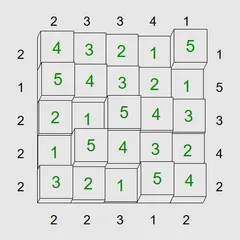
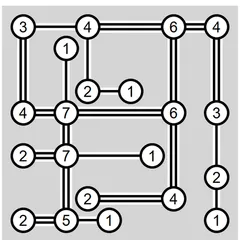
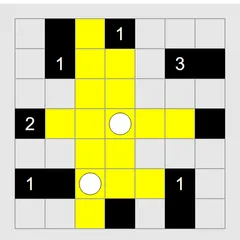
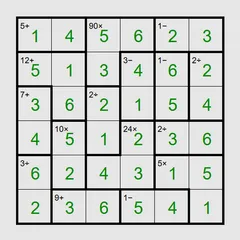
Write digits into a grid with no repeats per line, letting the little greater-than signs guide each choice.
Greater-Than Grid is a number puzzle where every row and column needs each digit exactly once. Between some squares, small signs show which neighbor holds the bigger value. Your task is to fill the whole grid so that no line repeats and every sign tells the truth.
It sounds simple, but those signs carry a lot of information. Reading them well is the whole game.
The rules
A grid with N squares on a side uses the digits 1 through N. A 6x6 puzzle, for example, needs 1, 2, 3, 4, 5 and 6 in every row and every column.
In the main Unequal mode, a sign works just like in math class. Its wide side faces the larger number, and its point faces the smaller one. On harder levels some signs are missing, which leaves you with fewer hints. A few squares may already have digits when you start.
There is also an Adjacent mode. Here, a bar joining two squares tells you their numbers are consecutive, such as 5 and 6. All bars are always shown, so any two neighbors without a bar are guaranteed not to be consecutive.
Strategy notes
- Check the extremes. Whatever sits at the pointed end of a sign can’t be N. Whatever sits at the wide end can’t be 1.
- Follow a chain. When signs climb across three squares in a row, the smallest can be no higher than two below N, and the largest no lower than 3.
- Find the valleys. A square that is smaller than every neighbor it touches is often a 1 or a 2.
- Use missing bars. In Adjacent mode, a 1 that has no bars on any side tells you no neighbor holds a 2.
- Grey out used signs. Click a sign once both its squares are filled so the remaining ones stand out.
Entering numbers and notes
To place a number, select its square and type. To jot a small note instead, right-click the square first, or press Enter to switch the keyboard cursor into pencil mode. On touch screens, set the tap mode to pencil marks or long-press the square. Space, Backspace or 0 clears a square.
Two shortcut keys save a lot of effort on large grids. M writes every possible digit into every blank square. H goes one step further and strips out marks that already clash with their row or column. You can also press N for a new puzzle, U to undo and R to redo.
Controls
| Action | Keyboard | Mouse | Touch |
|---|---|---|---|
| Enter a digit | Arrow keys to move, then type the digit | Click a square, then type a digit | Tap a square, then tap a digit button |
| Add or remove a pencil mark | Enter switches the cursor to pencil mode, then type a digit | Right-click a square, then type a digit | Set Tap to Pencil mark (or press and hold a square), then tap a digit |
| Clear a square | Space, Backspace or 0 | — | Tap the square, then Clear |
| Fill in every possible pencil mark / also remove the obvious ones | M / H | — | — |
| Grey out a clue sign you have used | Shift or Ctrl + arrow key next to the clue | Click the sign | Tap the sign |
| New game, undo, redo | N, U, R | Menu buttons above the grid | Menu buttons above the grid |
Greater-Than Grid FAQ
Does Greater-Than Grid work on a phone or Chromebook?
Yes. On a phone or tablet, tap a square and then a digit button in the bar under the grid. On a Chromebook you can click squares and type, or move around with the arrow keys and enter numbers from the keyboard.
What should I do when I get stuck?
Add pencil marks to track which digits are still possible. Press H to fill them in with obvious clashes removed. Undo and redo let you back out of a wrong guess, and a Solve button shows the answer if you need it.
How do I know I've solved it?
The grid flashes once every square is filled and all the rules hold. That means every row and column has each digit exactly once, and every sign or bar between squares is satisfied.
Which size should I start with?
Begin with the 4x4 Easy preset to learn how the signs work. From there, step up through the bigger grids and harder levels. The toughest preset is the 7x7 Extreme grid. For anything bigger, set up a Custom size.